Research and Experimentation for a Museum in Virtual Reality
Students:
Carl Zielinski ’24
Background:
One of the biggest buzzwords in the past year or so has been “the Metaverse”: a theoretical vision for the future of the internet involving immersive, virtual worlds focused on social interaction. While Zuckerberg brought the concept mainstream rather recently, I’ve been interested in the topic for a good bit now due to its overlap with virtual and augmented reality.
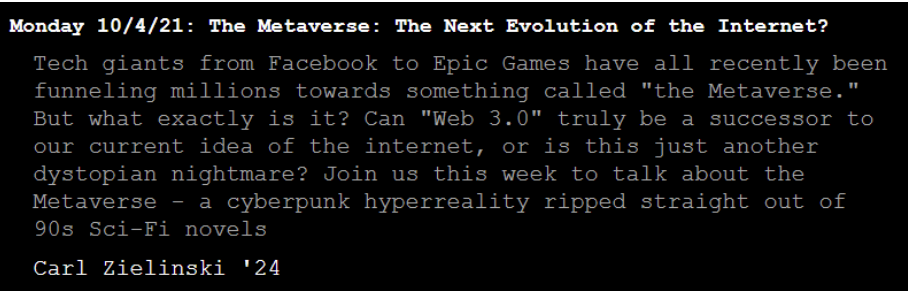
I actually gave a small talk on the Metaverse before it was cool. I guess that makes me a hipster now?
(Screenshot taken from the INTERFACE website)
One overlapping topic of great interest to me is the idea of making photorealistic worlds for
virtual reality. Photorealistic worlds have many use cases, such as letting users visit places that they’re physically unable to travel to, and helping to preserve and spread cultural heritage. I’ve done a fair share of exploring in VR proto-Metaverses, and I’ve stumbled on a few very convincing photorealistic worlds made using 3D scans of real-world locations. After experiencing this and the recent trend of VR art exhibits, I decided that I wanted to work toward creating a VR exhibit featuring 3D scanning. Since we had a few 3D scanners available, I’ve aimed to make a museum of sorts showcasing the evolution of consumer-grade scanning technology – ending with the current LIDAR sensors in modern Apple devices.
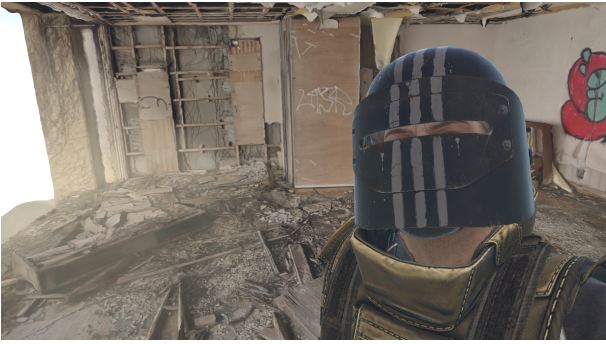
Left: A photo I took in VR in Tokoyoshi’s “Tokogrammetry Gallery” VRChat world
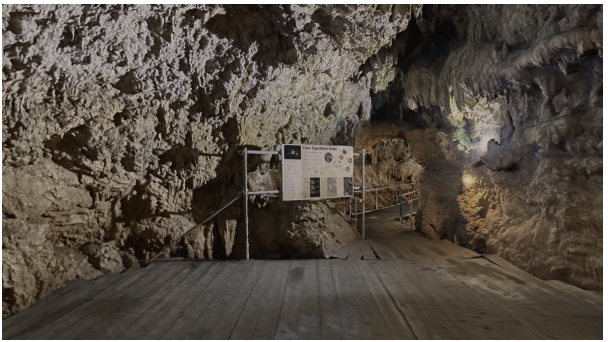
Right: A photo taken in VR of CAVE OKINAWA, another world by Tokoyoshi
The first – and the most problematic – scanner I experimented with was the NextEngine scanner towards the front of the room. While the hardware ended up being in a perfectly usable state, the software ended up being extremely problematic. The company that produced the scanner went out of business years ago, and accessing the tutorials and such was only possible by using Adobe Flash Player…which was killed off years ago. After a lot of troubleshooting and reading through Reddit threads to find a solution, I eventually got the machine and the tutorials working properly and ready to scan.
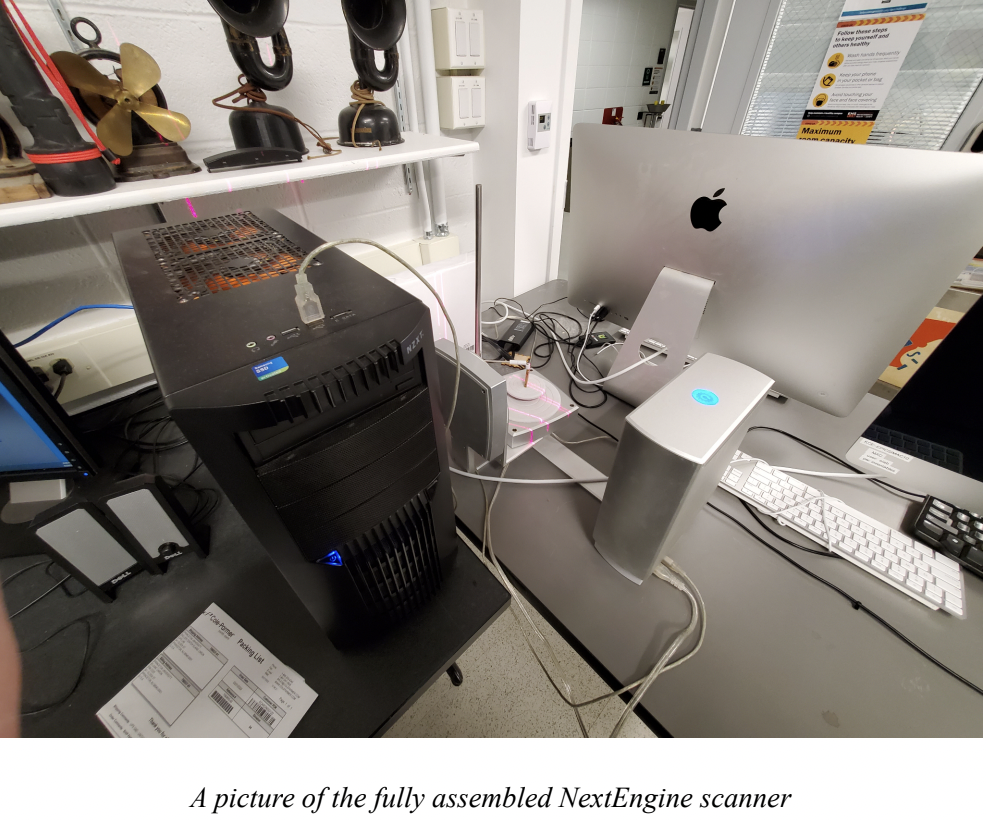
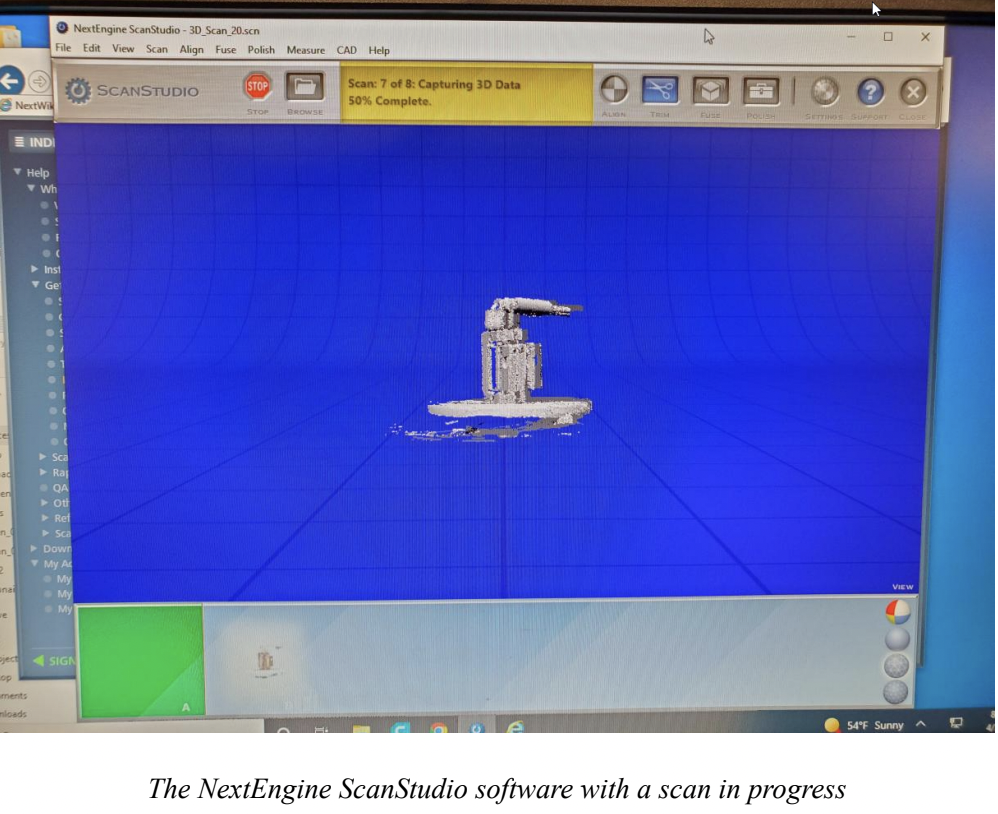
However, as this was older technology, the challenges were just beginning. I spent weeks working on alignment and experimenting with the different features of the software, such as cleaning up scans and simplifying them – but most of the results ended up looking like abstract art pieces no matter what I did. A few of my favorites are below:
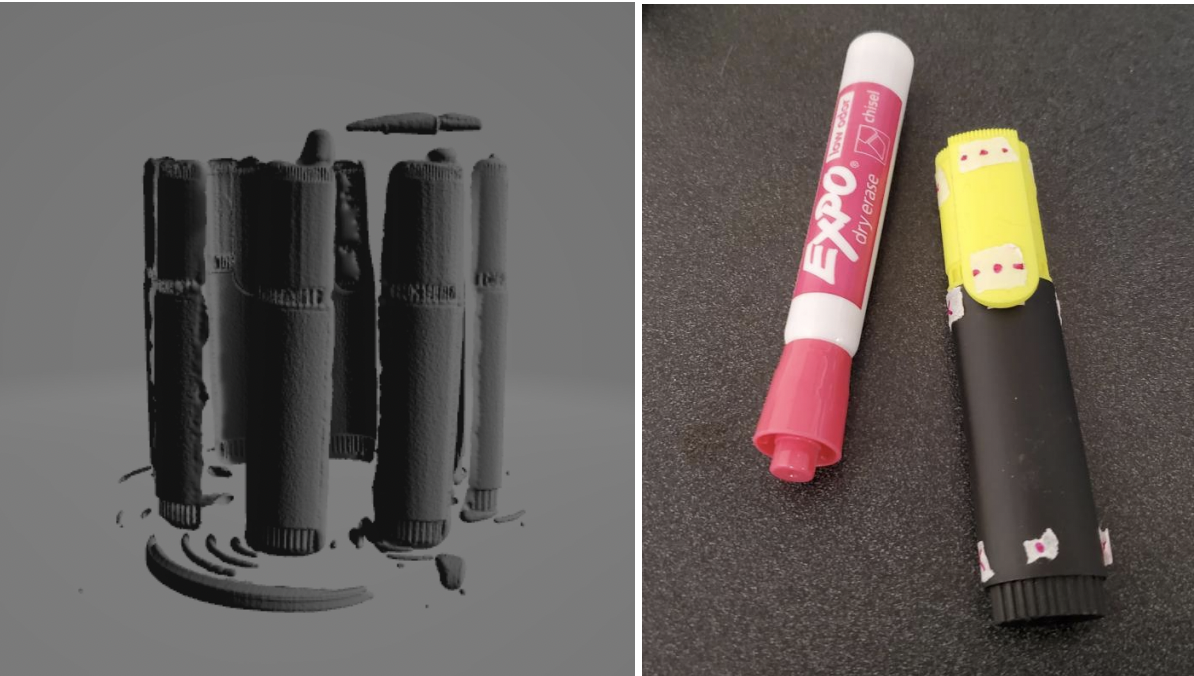
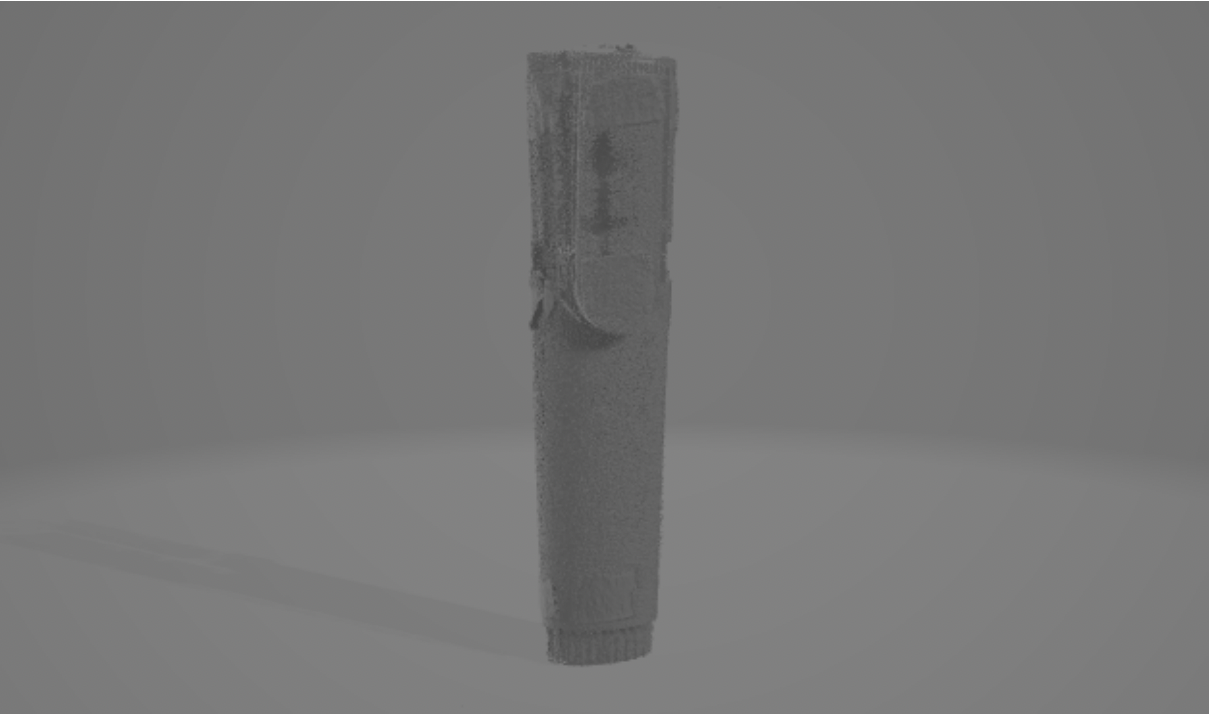
Top Left: A scanned marker without any alignment done. It did not fuse well.
Top Right: A marker with markings that I used to align the scans
Bottom: The resulting marker – it wasn’t perfect but it was better than the Stonehenge-looking one
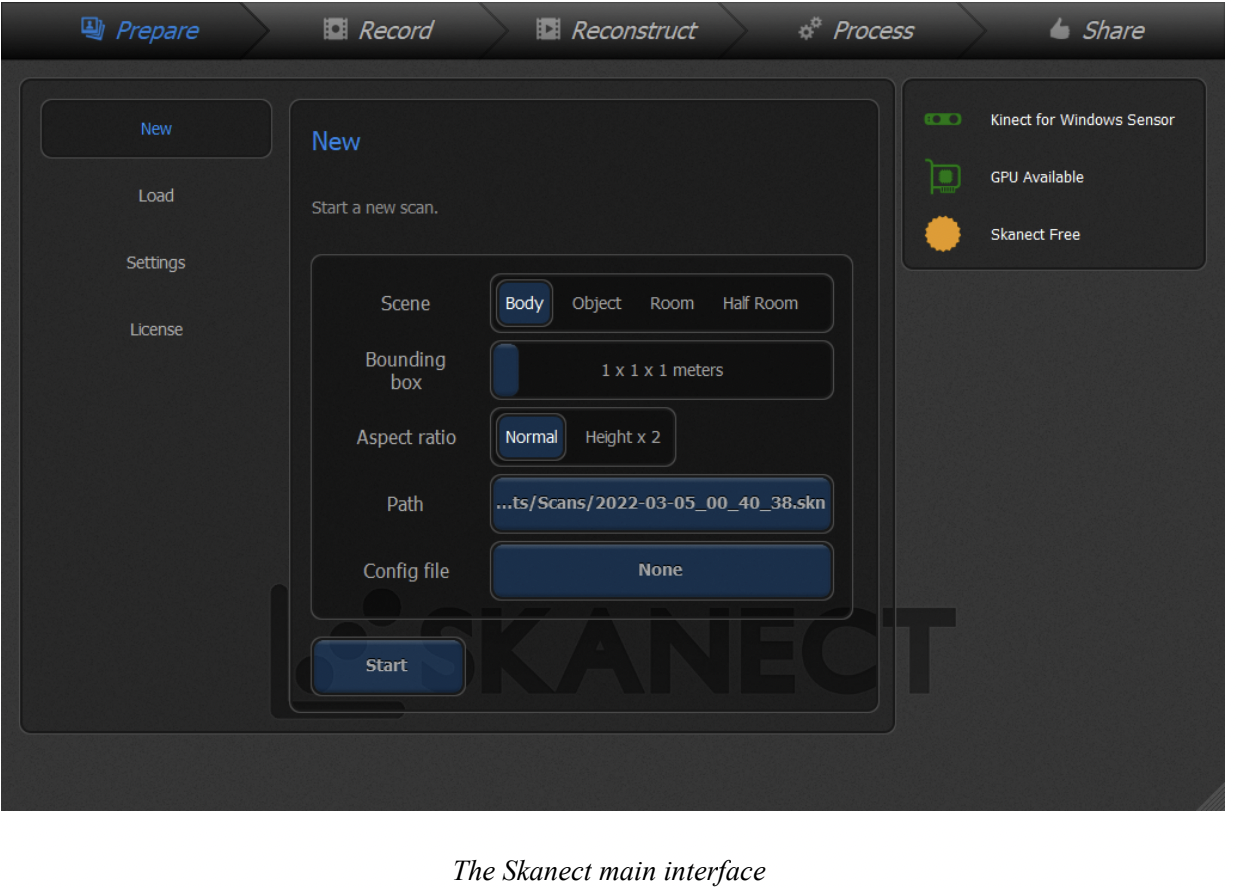
As I wasn’t getting great results out of the NextEngine scanner, I also worked with an Xbox 360 Kinect and my iPad’s LIDAR sensor. I spent some time troubleshooting the Kinect, as I couldn’t get it to be recognized by any device I connected it to. I finally figured out that the power supply was faulty, and after ordering a new one, I got it to work on my PC with a piece of scanning software called Skanect and did some testing with that.
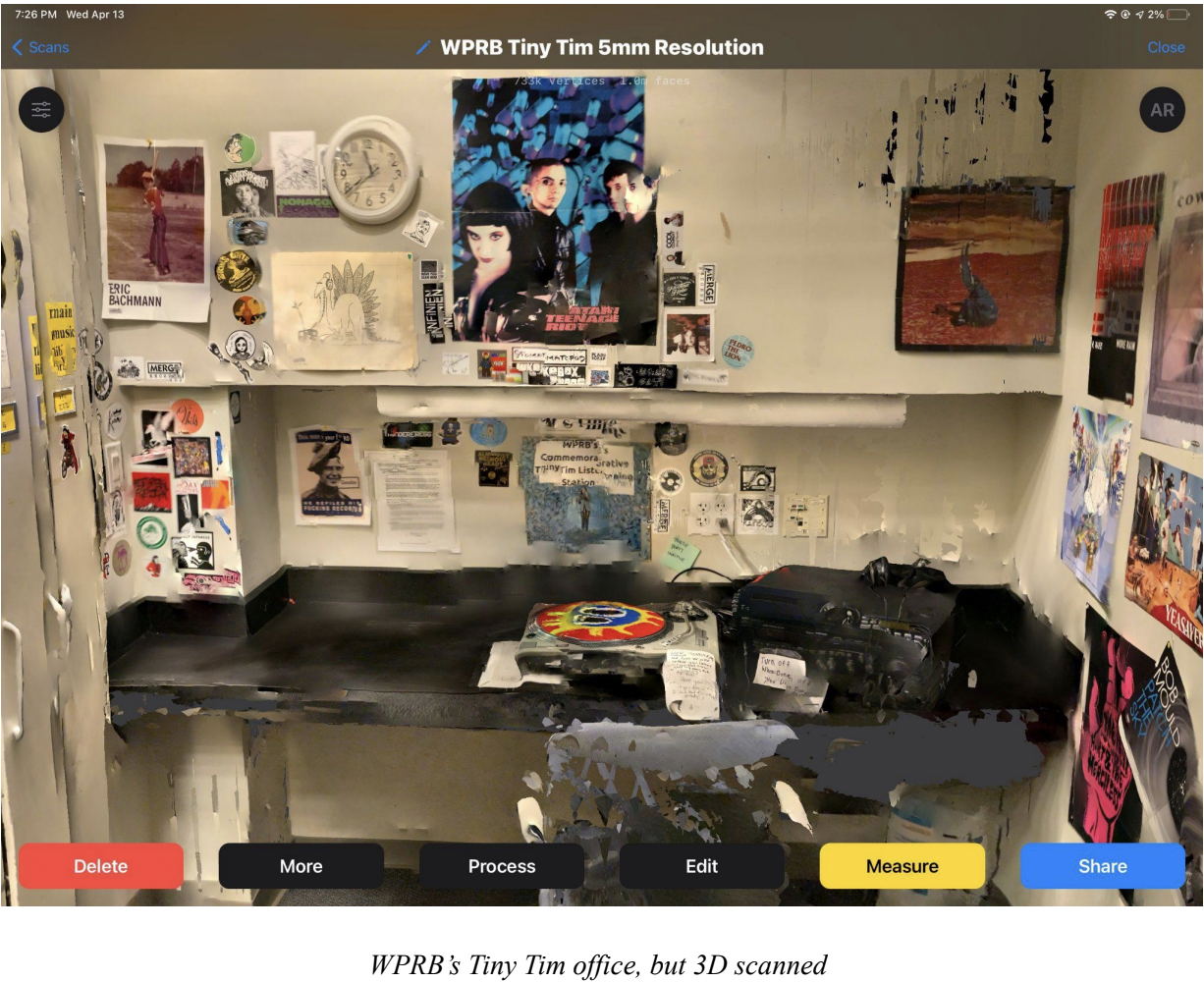
Some of the better results I got were by using my iPad, however. I tried a few apps but ended up using one simply called “3D Scanner App” a significant amount. Here was one early scan I did of one of the rooms at WPRB-FM. Although it’s not perfect, it definitely looks like the room!
In addition to these pieces of hardware and software, I also got experience with Blender (for cleaning up 3D scans), MakerBot software, and printers (to see if I could print any of my scans – I ended up not having anything good enough to print, but I printed off some parts for my VR headset), Unity, and the VRChat SDK (I will likely be using VRChat as the host for the 3D scanning museum, so I wanted to familiarize myself with the game engine and the software development kit early on).
This concludes this semester’s research and early experimentation phase. I believe I’ll try working on getting decent scans with the equipment I have over the summer, and next semester I’ll start working on parts of the museum (and hopefully get some good scans out of the NextEngine scanner!)